
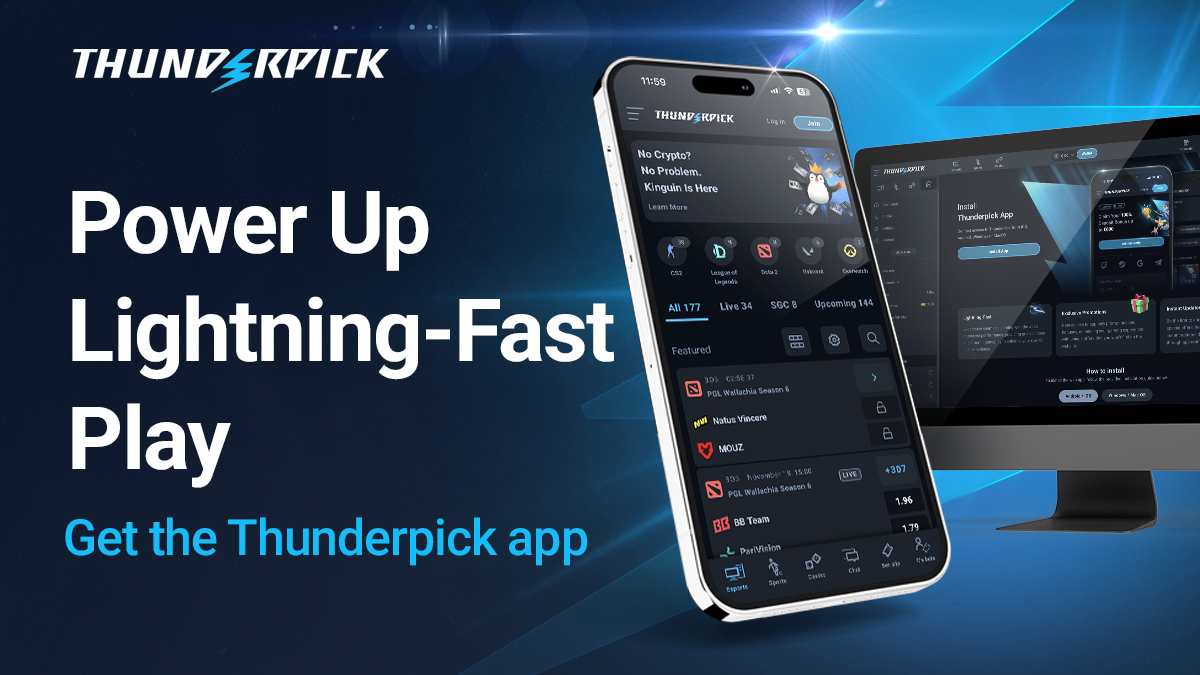
Ready to turn your passion for gaming into winning bets? This guide will explain how to install the Thunderpick Web App on your Android or iOS device, so you can have the thrill of esports betting at your fingertips.
With the Thunderpick Web App, you can embrace the future of live betting and experience the entirety of Thunderpick’s world-class offering. Find detailed installation instructions and answers to a few common questions below.
What Is A Web App or PWA?
Progressive Web Apps (or “PWA” for short) is a type of application software built for websites. They’re developed using the same programming languages as websites, allowing them to work on nearly any device, provided they have a supported browser.
PWAs are also lightning-fast and function like mobile apps, with features like push notifications, offline functionality, full-screen mode, and efficient storage. For Thunderpick, it means bettors can experience esports betting without the hassle or fuss of a traditional app.
What Are The Benefits Of A PWA?
There are many benefits to using the Thunderpick Web App. As mentioned, PWAs are super fast. That’s because they’re more resource-efficient and can use caching techniques that prefetch content before they’re even used—and clear them when not needed.
Additionally, PWAs are secure because they use tamper-proof HTTPS protocols. This ensures the privacy and security of your data, which is vital for esports and sports betting sites like Thunderpick. What’s more, PWAs mimic real mobile apps but aren’t dependent on app stores.
This also means the Thunderpick PWA is fully cross-platform, so it’s compatible with various devices. At the same time, developers can easily snuff out bugs or push updates without tinkering with builds for specific devices. It’s a win-win for devs and end-users!
Ever wanted to get mobile notifications from THP? Now you can!
How To Install Thunderpick Web App
Alright, so how do you install the Thunderpick Web App? It’s super simple, with both Android and iOS, you’re just a few actions away:
Both
Open your internet browser on your device (Safari, Chrome etc).
Go to the Thunderpick website (thunderpick.io).
Android
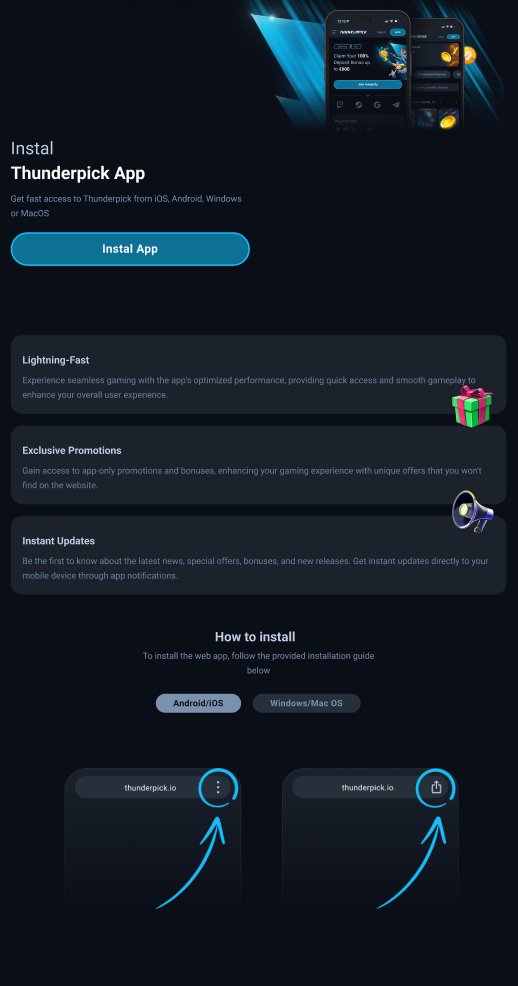
- Tap the “Install app” option from the menu button in the top-right corner.
- Follow the on-screen instructions (if any).
- Open the Thunderpick Web App from your device’s home screen.
iOS
- Tap the “Share” button in the top-right of the web address bar.
- Scroll down and select the “Add to Home Screen” option.
- Confirm the installation by tapping “Add.”
Now you can place pre-match and live in-play bets on esports titles like CS2, Dota 2, League of Legends, VALORANT, and Overwatch 2—all from your mobile device! Looking for more options? You can also try the Thunderpick casino, with thousands of games including slots, blackjack, roulette, and video poker.
Need more help? No problem! Get in touch with our friendly customer support team at [email protected] or speak directly with an agent via the Live Chat feature.
And that’s it! You now have access to Thunderpick’s ultra-competitive odds in your pocket. Head to the live casino or explore our sportsbook and place bets with a range of crypto, including Bitcoin, Ethereum, Litecoin, Bitcoin Cash, and loads more!
Start Betting At Thunderpick Today
Thunderpick isn’t just another betting site. It’s a crypto-friendly betting platform built by gamers for gamers, which means it’s a place where your in-game knowledge truly pays off. The games you love move fast, now you can match their speed with the Thunderpick Web App. Make the most of those all-important moments, and jump from your home screen into heart of the action in just one click. Why wait? Join the community and unleash your winning potential. Start betting smarter today with Thunderpick.